
Guided capture
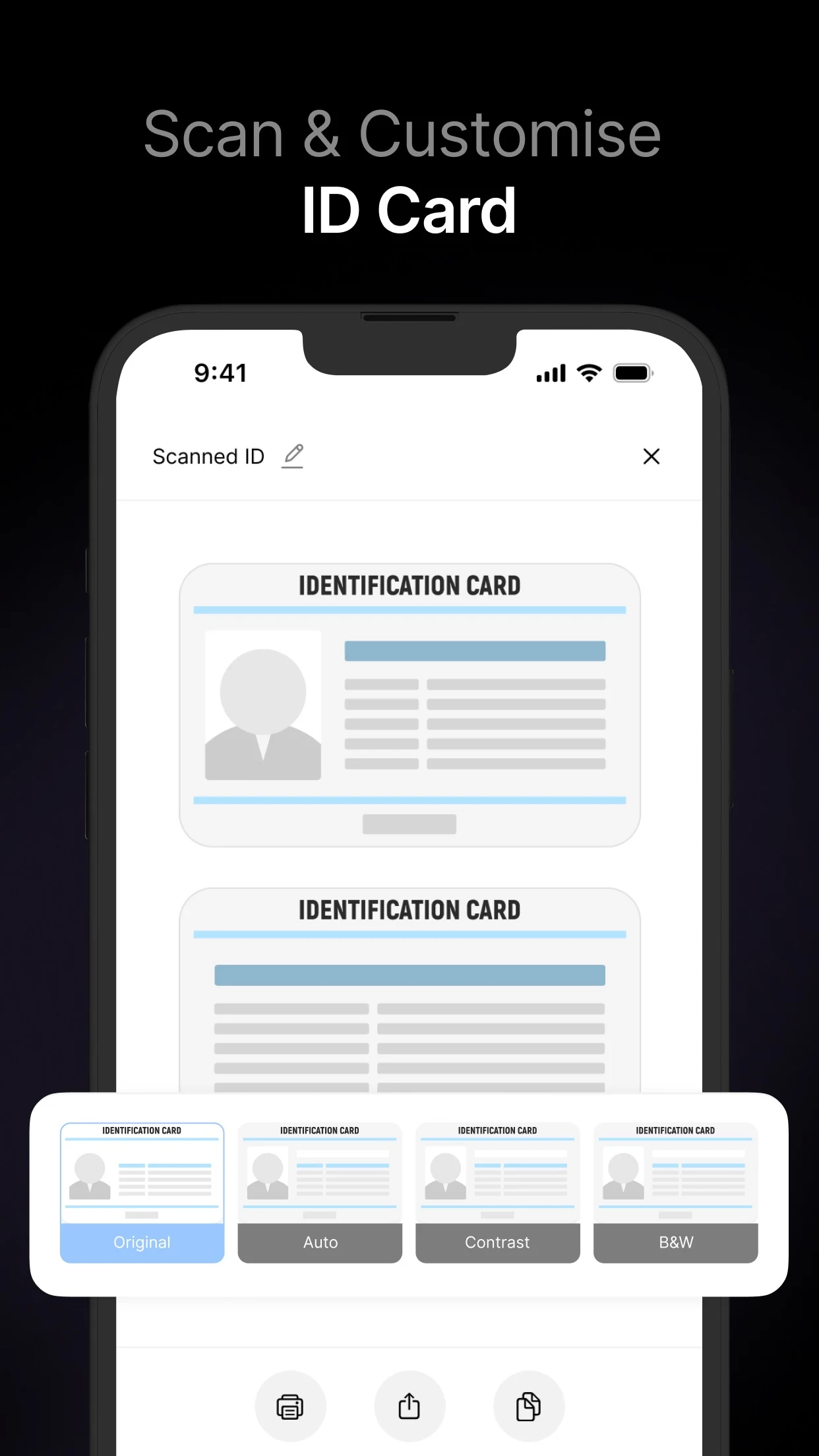
VisionKit supplies edge detection, perspective correction and multi-page scanning so paper documents become clean, consistently framed digital files.
A privacy-conscious document workflow for scanning, recognising, editing, signing and organising PDFs across supported Apple devices.
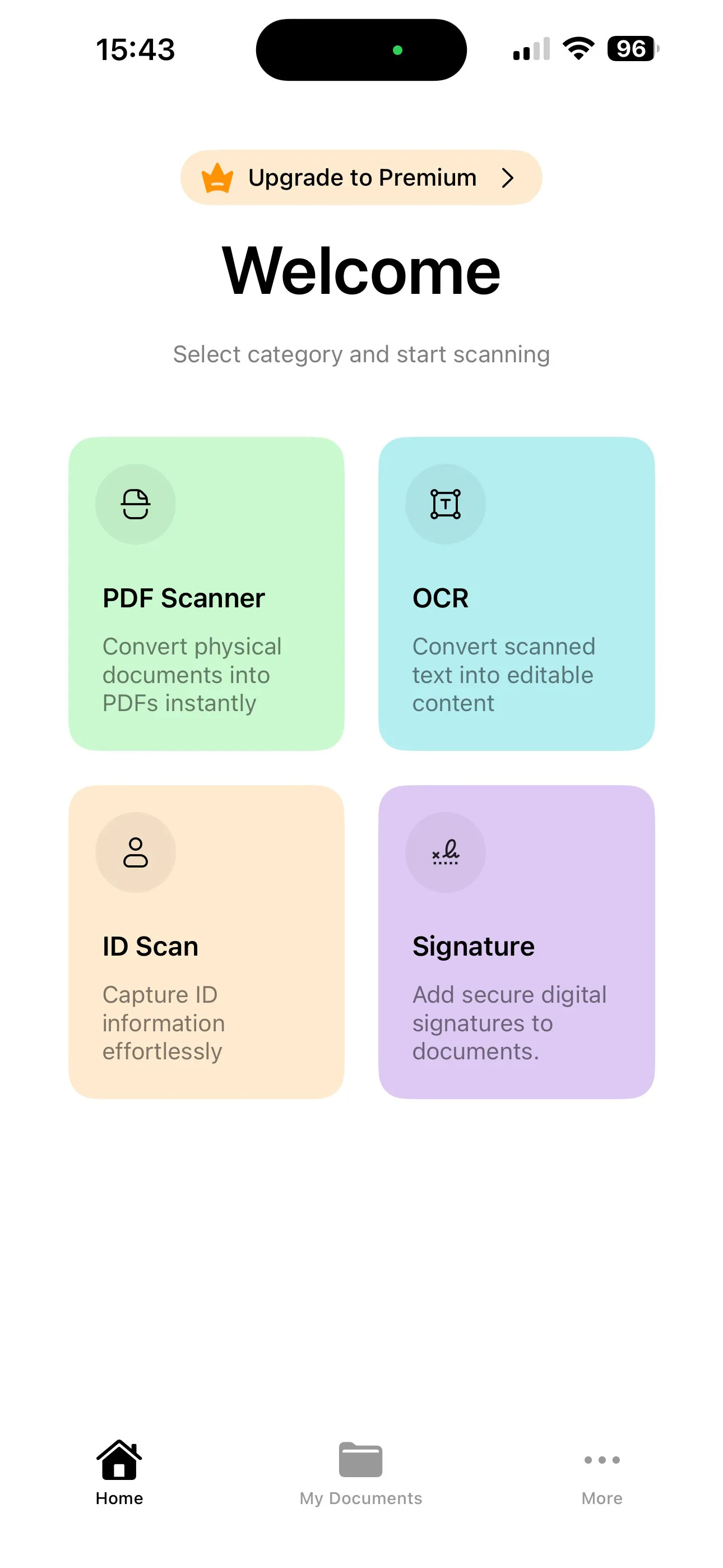

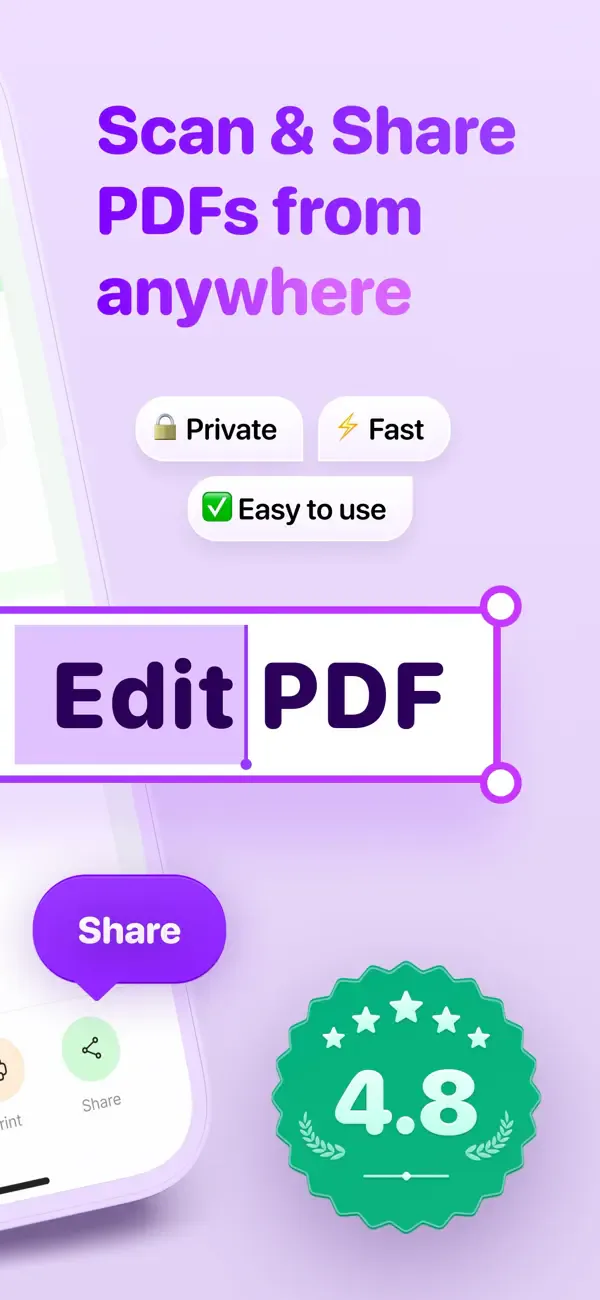
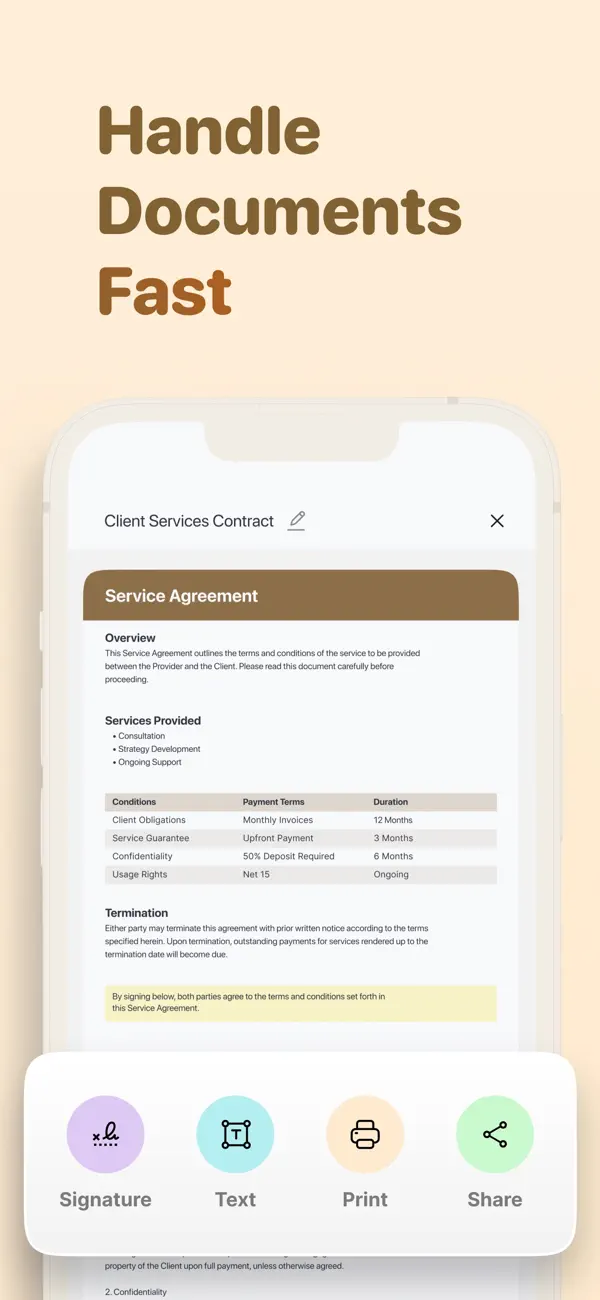
PDF Scanner turns a phone into a complete document workspace. It captures paper and identification documents, corrects perspective, recognises text and assembles high-quality PDFs that can be edited, signed, organised and shared. Core capture and recognition workflows run on-device, keeping the app useful offline while delivering the speed and familiarity expected from a native Apple-platform experience.
VisionKit supplies edge detection, perspective correction and multi-page scanning so paper documents become clean, consistently framed digital files.
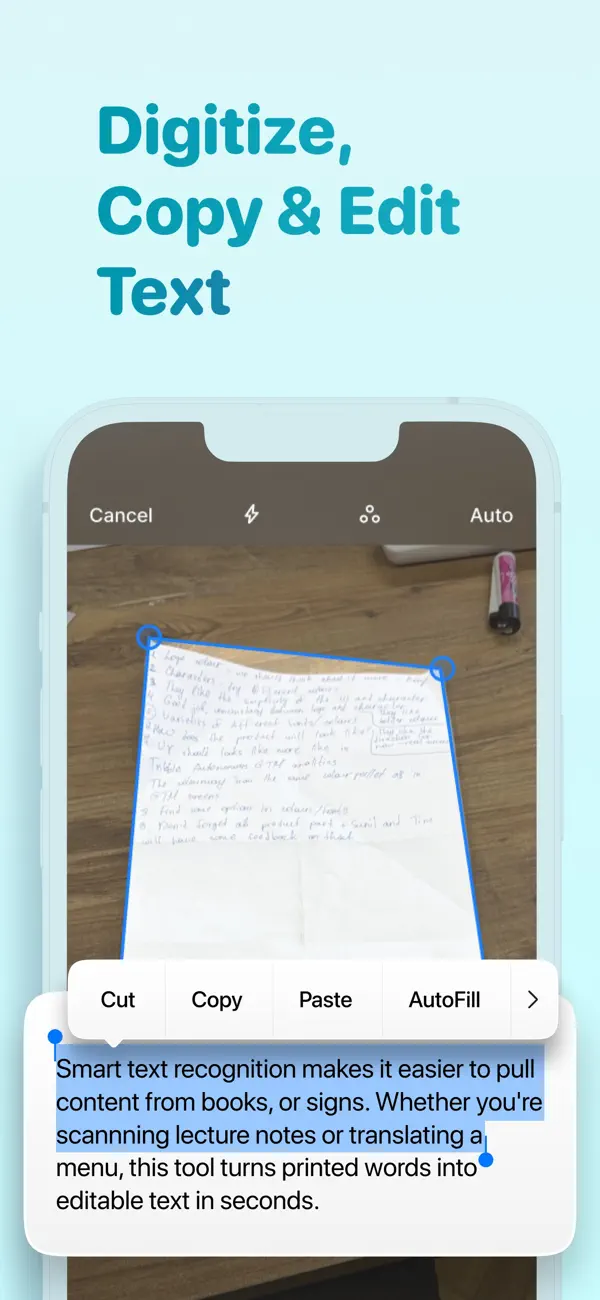
Apple Vision performs multilingual text recognition locally, enabling fast extraction and editing without making remote processing part of the core OCR workflow.
Scanning, image conversion, annotation, signatures, organisation and sharing live in one coherent interface rather than a collection of disconnected utilities.
The app uses a SwiftUI-first MVVM structure with focused UIKit bridges for specialist Apple frameworks. VisionKit and Vision handle capture and recognition, while PDFKit and Core Image support document assembly and manipulation. Mockable data layers keep previews and testing independent of live services, and local persistence supports responsive offline access to document workflows.
The OCR pipeline uses the device's own text-recognition models, combining hardware-assisted capture, multilingual extraction and PDF assembly without requiring remote OCR processing.
First-party frameworks carry the heaviest scanning and document work, keeping the custom application focused, responsive and closely integrated with platform behaviour.
Tell us about your vision. We'll come back within 24 hours with a strategic plan.
Start Your Project